
What actually happens when ransomware hits a medical or dental practice?
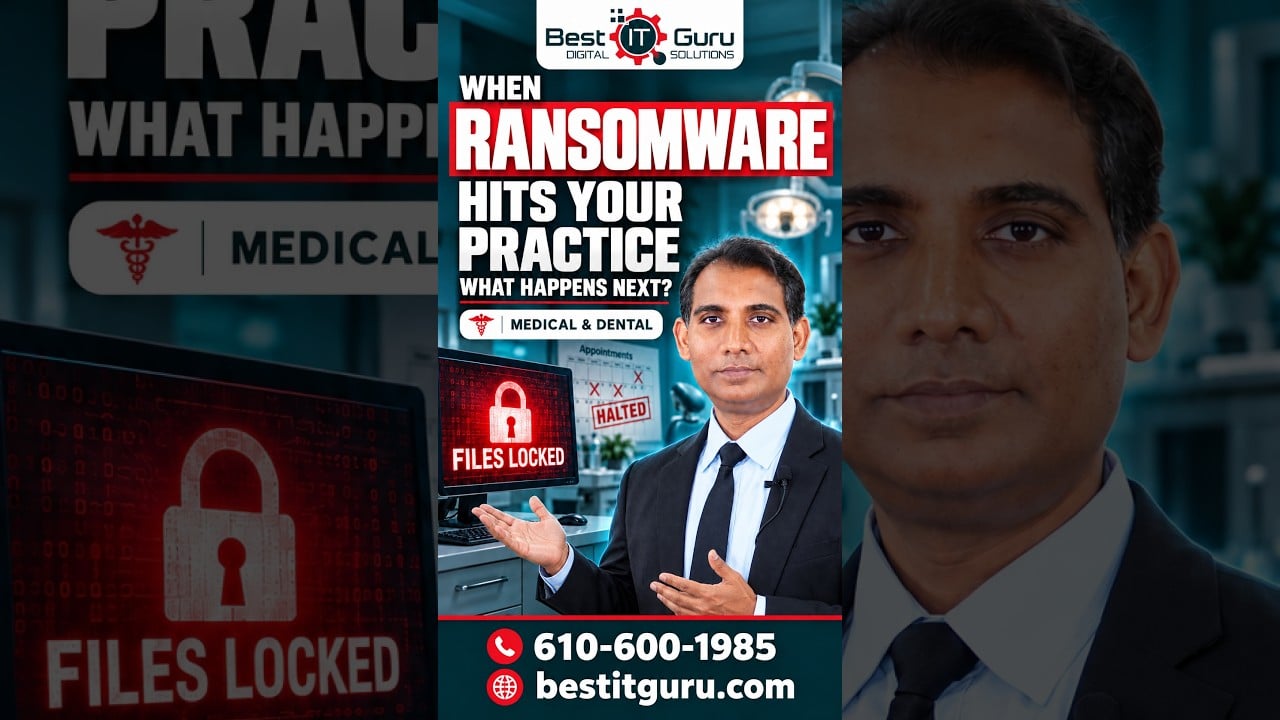
It can start with something simple—a stolen password, a phishing email, or a computer that has not been updated.

Once the attacker gets in, they may try to access patient files, billing systems, and other important computers.

Then the real damage begins.

Files can become locked, computers may stop working, and your staff may lose access to the systems they need to care for patients.

Appointments can be delayed, billing can stop, and your entire practice can be disrupted.

Now you have to contain the attack, secure your network, investigate what happened, and restore your systems and data.

That’s why medical and dental practices need strong backups, multi-factor authentication, regular security updates, and employee training.

Don’t wait until ransomware shuts down your practice to find out where your weaknesses are.

Protect your practice before an attack happens.

Follow Best IT Guru for more simple cybersecurity tips.

https://zurl.co/micaV

#cybersecurity
#PhiladelphiaDoctors
#PhiladelphiaDentists
#PhiladelphiaHealthcare
#MedicalPracticeManagement
#DentalPracticeManagement
#HealthcareIT
#DentalITSupport
#PhiladelphiaITSupport
#RansomwareProtection
#BestITGuru


3.How Often Should Your Backups Be Tested

How Often Should Your Backups Be Tested
Your backups are useless… if they don’t actually restore.

1. Check backup status daily.
Make sure the backup actually ran.

2. Review backup reports weekly.
Look for failed jobs, warnings, or storage issues.

3. Test a real restore monthly.

Follow Best IT Guru for more cybersecurity tips and contact us for a backup and network security checkup.

https://zurl.co/zCV1g
610-600-19
#cybersecurity #shorts

Are you getting the most out of Microsoft 365?

Are you getting the most out of Microsoft 365?

If your medical or dental practice is already paying for Microsoft 365, you may have some really useful tools included that you’re not using.
Here are 5 features worth checking out.

Number 1 — Microsoft Teams.
Teams isn’t just for video calls.
Your staff can use it to communicate, share files, and stay organized without having to send dozens of emails back and forth.

Number 2 — OneDrive.
Need to access a document from another computer?
OneDrive lets you securely store and access your files from wherever you’re working.

Number 3 — SharePoint.
Think of SharePoint as a central place for your practice documents.
You can keep things like office policies, procedures, training materials, and other resources organized in one place.

Number 4 — Microsoft Planner.
Have a lot of tasks to keep track of?
Planner can help your team see what needs to be done, who’s responsible, and when it’s due.

Number 5 — Microsoft Forms.
Need to collect feedback or information from your staff?
You can create a simple form or survey in just a few minutes.
And here’s the best part.

You may already have access to some of these tools with your Microsoft 365 subscription.
So before you pay for another software subscription, check what you already have.
That’s this week’s tech tip.
Follow us for more simple technology and cybersecurity tips for doctors, dentists, and healthcare practices.
610-600-1985
https://zurl.co/JlJN8

#PhiladelphiaDoctors #PhiladelphiaDentists #PhillyDoctors #PhillyDentists #PhiladelphiaHealthcare #MedicalPractice #DentalPractice #Microsoft365 #MicrosoftTeams #OneDrive #SharePoint #HealthcareIT #DentalIT #MedicalITSupport #BestITGuru #PhiladelphiaDoctors #PhiladelphiaDentists #PhiladelphiaHealthcare
#MedicalPractice
#Microsoft365

#cybersecurity #hipaa #medicalpractice #shorts